


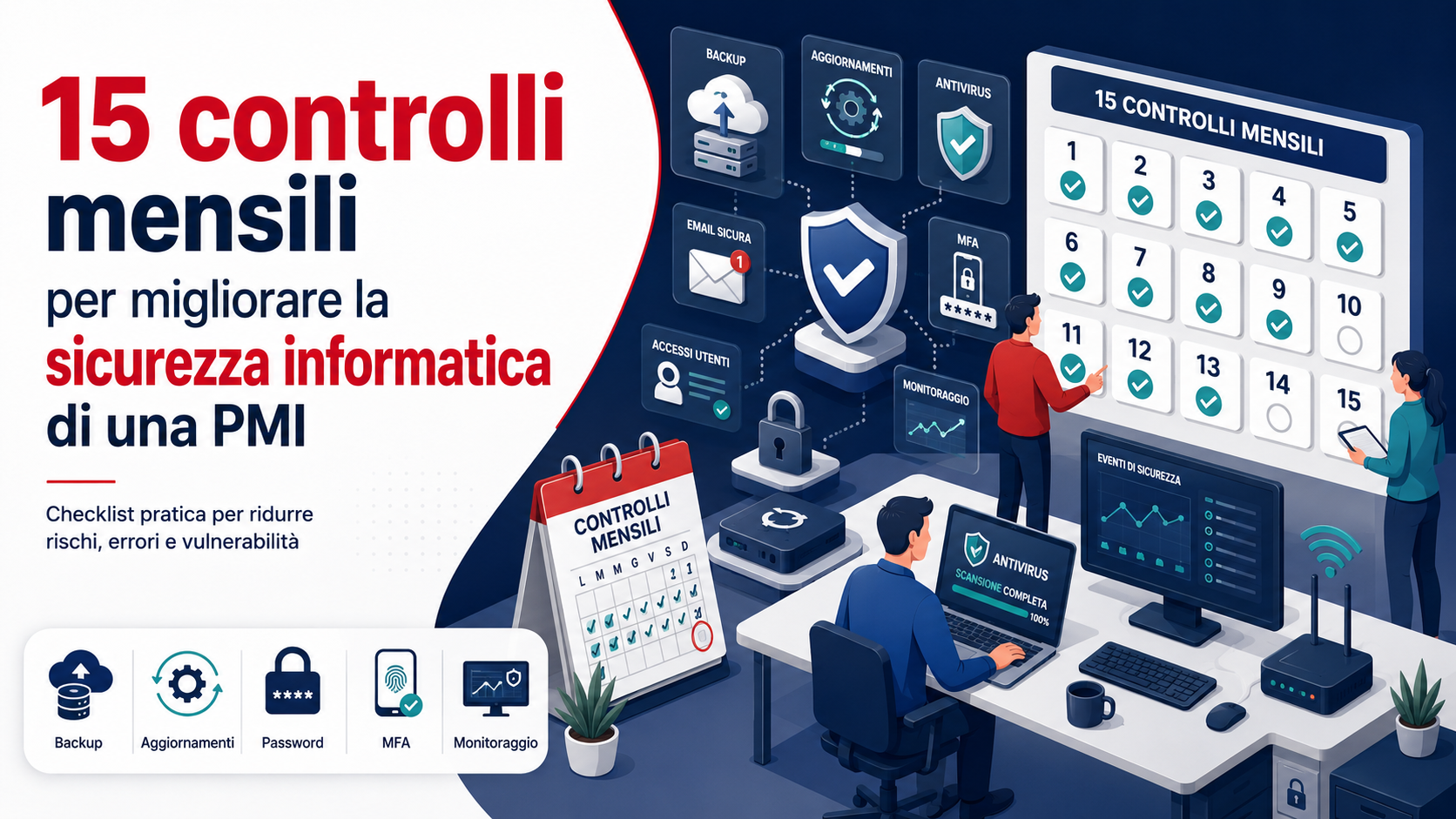
The cybersecurity of an SME does not depend only on purchasing antivirus software, firewalls or cloud services. To protect data, accounts and business tools effectively, a company must regularly verify that its security measures are still active, updated and correctly configured.
A monthly review can identify forgotten accounts, missing updates, interrupted backups, unknown devices, excessive permissions and other issues that may remain unnoticed until an incident occurs. Even when certain activities are automated or performed every day, a monthly assessment provides an overall view of the company’s security condition.
Why create a monthly security checklist?
In small and medium-sized businesses, IT management is often combined with other responsibilities. Updates are postponed, accounts remain active after a working relationship has ended and backups are assumed to be working without any restoration tests.
A monthly checklist helps transform cybersecurity from an occasional activity into an organised process. The objective is not to review every technical element only once a month, but to confirm that automatic systems, daily procedures and assigned responsibilities are operating correctly.
Checks should be documented by recording the date, the person responsible, the issues identified and the actions taken. This allows the company to follow problems over time and demonstrate that cybersecurity is being managed consistently.
1. Check operating system and software updates
The first check concerns updates for operating systems, browsers, productivity applications, business software and other programs used by the company. Outdated versions may contain known vulnerabilities that have already been corrected by their developers.
Every month, the company should confirm that automatic updates are enabled and look for blocked installations, recurring errors or devices that are no longer up to date. Particular attention should be paid to computers used infrequently, laptops assigned to external workers and devices that remain switched off for long periods.
Before installing major updates on critical systems or business software, compatibility should be checked and a backup should be available. Urgent updates for serious vulnerabilities should not wait for the monthly review and must be managed through a priority procedure.
2. Verify antivirus and endpoint protection
The presence of antivirus software does not guarantee that a device is actually protected. The program may be disabled, outdated, incompletely configured or unable to communicate with its management platform.
The monthly check should confirm that every computer and server has the required protection, detection engines are up to date and scheduled scans are completed. The company should also review detections, quarantined files and devices that have not reported their status for several days.
When a threat is detected, it is not enough to know that a file was blocked. The company should determine which device was involved, which user was active and whether other events may be connected to the same incident.
3. Check backups and perform a restoration test
One of the most important checks concerns backups. A security copy is of little value when the process stops, storage space is exhausted, essential data is excluded or no one can restore the information.
Every month, backup reports, error messages, completion dates and available storage space should be reviewed. The company should also confirm that documents, databases, email, configurations and other essential information are included.
A restoration test should be performed regularly by recovering a selection of files and confirming that they open correctly. Important backup copies should be separated from the main systems and protected against accidental deletion, hardware failures and cyberattacks.
4. Verify multi-factor authentication
Multi-factor authentication adds another verification step beyond the password. It is particularly important for email, cloud services, VPN access, business software, social media and administrator accounts.
The monthly review should confirm how many users have activated the protection, which accounts remain unprotected and which authentication methods are being used. Administrators and users handling sensitive information or payments should receive priority.
Registered devices, telephone numbers, security keys and recovery methods should also be checked. An old smartphone or telephone number may remain authorised even after it has been replaced.
5. Review active user accounts
Over time, accounts belonging to former employees, consultants, interns, suppliers and temporary workers may accumulate. If they are not disabled, these profiles continue to provide a possible route into business systems.
Every month, the list of users should be compared with the people who currently work with the company. Accounts that are no longer required should be suspended or removed after the relevant business data has been transferred and archived.
The review should include email, cloud services, web panels, VPNs, management software, advertising platforms and collaboration tools. It should not be limited to accounts created on office computers.
6. Review privileges and administrator accounts
Not every user needs to install software, change configurations or access all company information. Assigning privileges beyond actual requirements increases the impact of mistakes, malware infections and account theft.
The monthly review should identify everyone with administrative roles and confirm whether those permissions are still required. Accounts used for everyday work should not have elevated privileges when they are unnecessary.
Service accounts, shared credentials and access granted to external suppliers should also be checked. Every authorisation should have an owner, a clear purpose and, where possible, an expiry date.
7. Review unusual logins and security alerts
Many services record login activity and report unusual events, such as attempts from unexpected locations, unknown devices, repeated authentication failures or changes to security settings.
Every month, the company should review the alerts received and confirm that important events have been investigated. An unusual login should not be ignored simply because it did not cause an immediate interruption.
For important accounts, connected devices, active sessions and authorised applications should also be checked. Unrecognised sessions must be terminated and integrations that are no longer used should be revoked.
8. Check email security
Email is one of the main business tools and one of the most frequently used channels for phishing, fraud and malicious attachments. The monthly review should include mailbox settings, automatic rules and user reports.
The company should look for forwarding to unknown addresses, unauthorised rules and delegations that are no longer required. An attacker who gains access to a mailbox may create rules to hide replies or send copies of messages to an external address.
Blocked domains, reported phishing campaigns and the accounts most frequently targeted should also be reviewed. Repeated incidents may indicate that email filtering or staff training needs to be improved.
9. Check firewalls, routers and remote access
Firewalls, routers and VPN services control a significant part of the communication between the company network and external systems. Temporary configurations created for technical work can remain active longer than intended.
The monthly review should check update status, administrator accounts, remote-access rules and exposed services. Unused services should be disabled and default credentials should be replaced.
Remote access provided to suppliers should also be reviewed. A remote connection should only be active when necessary, protected with appropriate authentication and associated with an identifiable person.
10. Check WiFi and devices connected to the network
Business networks may contain computers, smartphones, printers, cameras, televisions, videoconferencing systems and other smart devices. A forgotten or outdated device can become a weak point.
Every month, the list of connected devices should be compared with the equipment that has been authorised. Unknown devices must be identified before they are considered trustworthy.
The WiFi password, guest network separation and access-point status should also be checked. Customers and visitors should not use the same network as business computers, servers and internal systems.
11. Update the hardware and software inventory
A company cannot properly protect resources it does not know it owns. An updated inventory identifies computers, smartphones, servers, printers, network devices, applications, licences and cloud services.
The monthly review should record new purchases, replacements, retired equipment and installed software. It should indicate who uses each resource, where it is located, which operating system it runs and when manufacturer support will end.
The inventory also helps identify unauthorised applications, unused licences and devices that continue to access company information after they have been replaced.
12. Review cloud sharing and permissions
Documents and folders stored in the cloud may be shared with colleagues, customers and suppliers. Over time, public links and external permissions may remain active even when they are no longer required.
Every month, important folders should be reviewed to identify links that do not require authentication and external users who retain access. Sharing should be limited to the people who genuinely need the information.
Applications connected to cloud accounts also require attention. A service authorised in the past may continue to access files, contacts or email even though it is no longer being used.
13. Check the website, hosting and domains
A company website may be connected to contact forms, email, databases, booking systems or online sales platforms. An outdated website can damage the organisation’s reputation and may be abused to distribute harmful content.
The monthly review should cover CMS updates, plugins, themes, the HTTPS certificate, administrator accounts and backups. Extensions that are no longer required should be removed rather than simply disabled.
The domain should also be checked, including its expiry date, automatic renewal, registered contact details and access to the registrar’s control panel. Losing control of a domain can interrupt the website, email and connected services.
14. Check mobile devices and remote working
Business smartphones, tablets and laptops may contain email, documents, credentials and confidential applications. When used outside the office, they face additional risks related to loss, theft and insecure connections.
Every month, the company should verify that devices are updated, protected by a PIN or biometric authentication and configured to lock automatically. Encryption should be enabled where available, and remote locking or erasure procedures should be prepared.
The review should include personal devices authorised to access company data. When a working relationship ends, accounts, active sessions and business profiles should be removed through a defined procedure.
15. Update the incident-response plan
Even a well-protected company must prepare for the possibility of a security incident. Knowing whom to contact and which actions to perform can reduce downtime and limit the consequences.
Every month, the contact list should be checked and kept easily accessible. It may include the internal manager, IT provider, hosting company, privacy consultant, insurance provider and any other parties required by the organisation.
Employees must know how to report a suspicious email, lost device, unknown login or possible malware infection. A simple scenario should be tested periodically to confirm that people understand the procedure and do not need to improvise.
How to document monthly checks
The checklist can be managed using a spreadsheet, ticketing platform or dedicated tool. Each item should record the person responsible, completion date, outcome, issues identified and deadline for corrective action.
Problems should not be recorded without assigning a priority. A failed backup, suspicious administrator account or serious vulnerability requires faster action than an unused software licence.
Documentation also makes it possible to recognise recurring issues. If the same update fails every month or one department repeatedly causes incidents, tools, configurations or procedures may need to be changed.
A monthly review does not replace continuous monitoring
A monthly review is useful, but it should not be the only time when the company considers cybersecurity. Critical alerts, urgent vulnerabilities, antivirus detections and backup failures must be handled when they occur.
The checklist verifies that the overall system is working and that no important element has been forgotten. Automatic activities and continuous monitoring operate throughout the month, while the periodic review provides a broader organisational and technical assessment.
The role of Azienda Digitale
In this context, Azienda Digitale can support SMEs, professionals and organisations in creating a monthly checklist adapted to the systems they actually use. Every company has different requirements based on the number of users, the information processed, cloud services and infrastructure complexity.
Support may include inventories, updates, backups, account protection, network reviews, website security and incident preparation. The objective is to transform isolated checks into a repeatable, documented and understandable process.
Fifteen monthly checks cannot eliminate every risk, but they can identify many problems before they cause data loss, unauthorised access or operational interruption. Security improves when it is reviewed regularly rather than only after an incident.
Frequently Asked Questions
Should security checks only be performed once a month?
No. Backups, alerts, threats and urgent vulnerabilities require continuous monitoring. The monthly review confirms that procedures, automated systems and assigned responsibilities are working correctly.
Who should manage the checklist in an SME?
Responsibility may be assigned to an internal contact, an IT provider or several people. Every check should have a clearly identified owner and completion deadline.
Do cloud services also need to be checked?
Yes. Accounts, shared folders, authorised applications and external permissions may create risks even when the servers are not physically located at the company’s premises.
Which checks should receive priority?
Backups, critical updates, multi-factor authentication, administrator accounts and unusual login activity deserve particular attention because they can directly affect business continuity and data protection.
Does a checklist eliminate the risk of a cyberattack?
No. No checklist can eliminate every risk, but regular reviews reduce configuration errors, help identify unusual activity and improve the company’s ability to prevent and manage incidents.
Would you like to create a monthly checklist to review and improve your company’s cybersecurity?
Azienda Digitale
can help you organise checks, responsibilities and corrective actions according to your organisation’s actual requirements.