


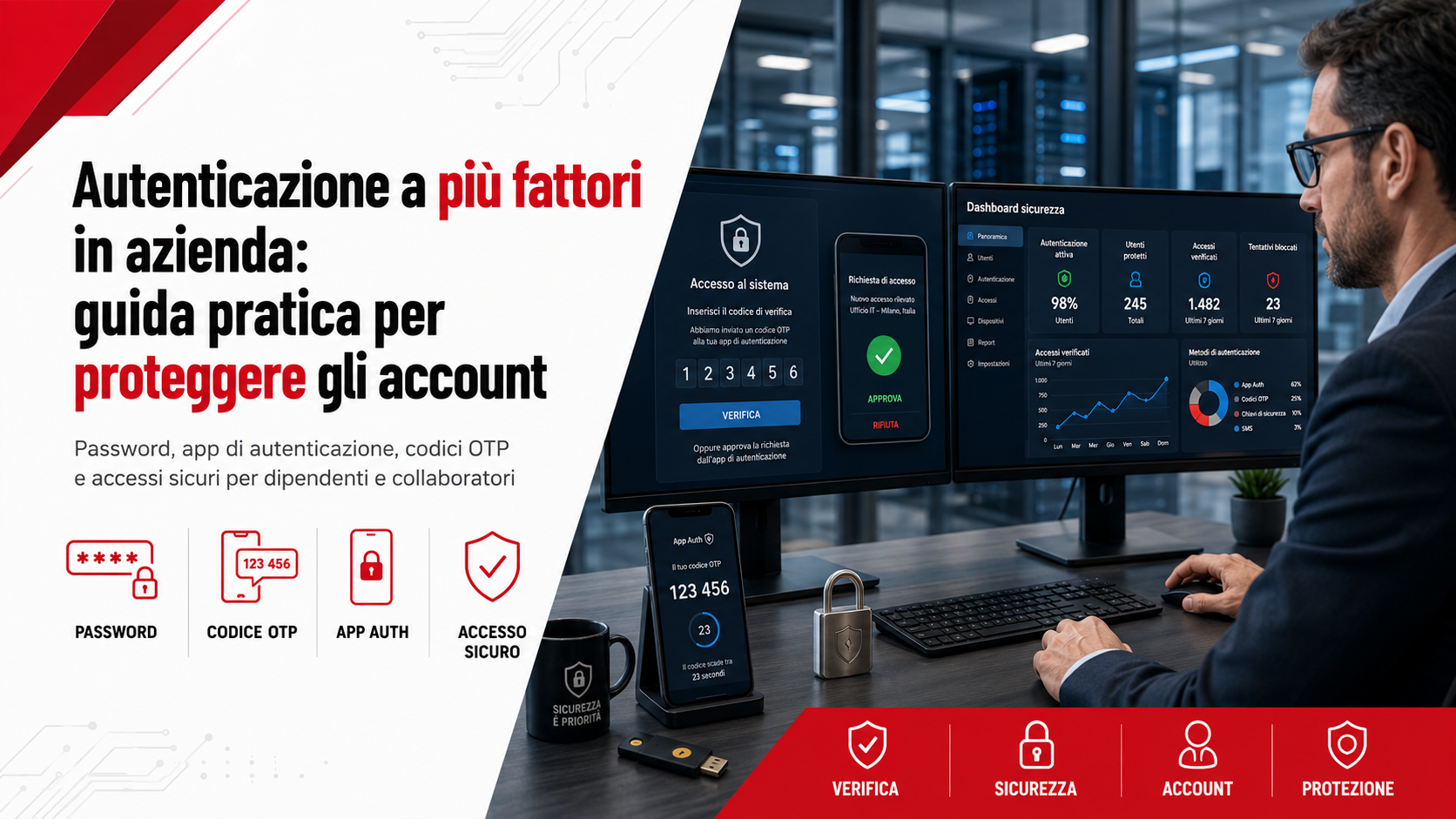
Multi-factor authentication in the workplace is one of the most effective measures for protecting accounts, email, cloud services, business software and collaboration platforms. Using only a password, even a complex one, is no longer sufficient to defend digital resources against credential theft, phishing, unauthorised access and data breaches.
Multi-Factor Authentication, commonly abbreviated to MFA, requires users to prove their identity through at least two different elements. In addition to a password, they may be asked for a temporary code, approval through an application, a physical security key or a biometric check. This makes access more difficult even when the password has been discovered.
What multi-factor authentication is
Multi-factor authentication is a security system that verifies a user’s identity through elements belonging to different categories. The principle is simple: knowing a single piece of information is not enough to gain access, because multiple independent forms of proof are required.
Authentication factors are generally divided into three main categories:
- Something you know: a password, PIN or secret answer.
- Something you have: a smartphone, token, smart card or security key.
- Something you are: a fingerprint, facial recognition or another biometric characteristic.
An MFA system combines at least two different categories. Entering two passwords, for example, is not true multi-factor authentication because both elements belong to the category of information known by the user.
Why a password alone is no longer enough
Passwords can be stolen in many ways. A user may enter them on a fake login page, reuse them across different services, store them insecurely or reveal them unintentionally. Even a long password becomes ineffective when it is handed directly to a criminal through a phishing attack.
Credentials may also be exposed during a breach involving an external service. If the same email address and password are used for several accounts, an attacker may attempt to access business email, cloud services, social media and management software.
Multi-factor authentication adds another layer of protection. The password remains important, but it is no longer the only element required to access the account.
Which business accounts should be protected
MFA should be activated as a priority on accounts that provide access to confidential data, allow configuration changes, authorise payments or manage other users. Not every account carries the same level of risk, but one compromised profile can often affect several connected services.
Accounts requiring particular attention include:
- Business email accounts.
- Administrator accounts and profiles with elevated privileges.
- Cloud services and storage platforms.
- CRM, ERP and business management software.
- Invoicing, accounting and online banking systems.
- E-commerce platforms and payment systems.
- Social media and advertising accounts.
- Website, hosting and domain management panels.
- VPNs and remote-access services.
- Collaboration and document-sharing applications.
Email is particularly important because it is often used to reset passwords, confirm logins and receive confidential communications. If an attacker controls a business mailbox, other services may also be placed at risk.
The main authentication methods
Several methods can be used to complete the additional authentication step. Each option offers different characteristics in terms of security, convenience and compatibility with business services.
The most common methods include:
- Temporary codes received by SMS.
- Codes generated by an authentication application.
- Push notifications approved on a smartphone.
- Physical USB, NFC or Bluetooth security keys.
- Smart cards and business tokens.
- Biometric checks using a fingerprint or face.
- Passkeys linked to a protected device or account.
The choice should reflect the level of risk, available devices, user capabilities and the applications used by the company.
SMS, authentication apps and push notifications
Codes sent by SMS are easy to use and are supported by many services. They generally provide better protection than a password alone, but they may be exposed to problems involving the telephone number, mobile network or fraudulent SIM-transfer attempts.
Authentication applications generate temporary codes directly on the device. Once configured, they can usually work without an Internet connection and do not depend on the delivery of a text message.
Push notifications allow users to approve or reject a login attempt with a simple action. They are convenient, but every request must be checked carefully. Automatically approving an unfamiliar notification may give an unauthorised person access to the account.
Security keys and phishing-resistant authentication
Physical security keys provide one of the strongest methods for protecting business accounts. These small devices can be connected through USB or used with NFC or Bluetooth technology.
Unlike codes entered manually, security keys based on modern standards also verify the service the user is attempting to access. This reduces the risk of credentials being entered on a fraudulent page designed to imitate the original portal.
These solutions are particularly suitable for system administrators, company managers, finance teams and users responsible for sensitive data, payments or critical configurations.
Passkeys and passwordless access
Passkeys are digital credentials designed to provide a simpler and more phishing-resistant login experience. They can be stored on smartphones, computers, protected devices or compatible credential managers and are used through a fingerprint, facial recognition, PIN or local confirmation.
With a passkey, the user does not necessarily need to enter a traditional password. The system uses a cryptographic key pair: one component remains protected on the device, while the other is registered with the online service.
Passkey availability varies according to the platform and applications in use. Before introducing them, a company should verify compatibility, recovery procedures and device-management requirements.
How to introduce MFA across a company
The introduction of multi-factor authentication should follow an organised plan. Enabling the feature without preparing users may create difficulties, support requests and improvised recovery procedures.
A structured implementation can include the following stages:
- Create an inventory of accounts and services.
- Identify the most important accounts and those with administrative privileges.
- Check which MFA methods are supported by each platform.
- Define shared procedures for setup, recovery and device replacement.
- Run a pilot project with a limited group of users.
- Train employees before MFA becomes mandatory.
- Gradually extend protection to every business account.
- Periodically verify the activation status.
It is generally advisable to begin with administrators and critical accounts before extending the configuration to other users according to a defined schedule.
Managing account recovery
One of the main challenges is restoring access when a smartphone is lost, replaced or damaged. Without an established procedure, the user may be locked out or may resort to insecure solutions.
The company should provide alternative methods, recovery codes, backup devices or controlled administrative procedures. Emergency codes must be stored securely and not on the same phone used for authentication.
For highly important accounts, two physical security keys can be registered, with one stored as a backup in a protected location. The company should also define who can authorise a reset and how the identity of the person requesting assistance will be verified.
The risk of repeated approval requests
Some attacks involve sending repeated login notifications in the hope that the user will approve one through fatigue, distraction or error. This behaviour is sometimes referred to as MFA fatigue.
An employee should never approve a request that they did not personally initiate. The sudden appearance of several notifications may indicate that someone already knows the password and is attempting to complete the login.
In this situation, the request should be rejected, the password should be changed through the official portal and the IT department or support provider should be informed promptly. User training therefore remains essential even after MFA has been activated.
MFA and employees’ personal devices
Many companies use employees’ personal smartphones to receive codes or approve logins. This can be practical, but it should be managed through transparent rules that are compatible with the organisation of work.
The company should clarify which applications are required, what information is processed, what happens when a phone is replaced and which alternatives are available to employees who cannot use a personal device.
For critical roles or positions involving greater responsibility, it may be preferable to provide company-owned devices, tokens or security keys, reducing dependence on personal equipment.
Mistakes to avoid during implementation
Multi-factor authentication is effective only when it is configured and used correctly. Certain mistakes can limit its benefits or create operational difficulties.
Common mistakes include:
- Protecting standard users while leaving administrator accounts without MFA.
- Failing to prepare recovery procedures and backup devices.
- Storing emergency codes together with passwords.
- Approving notifications without checking their origin.
- Using the same method for every account without assessing its risk.
- Failing to remove devices belonging to former employees.
- Not checking which users have activated the protection.
- Treating MFA as a replacement for strong passwords and training.
MFA should form part of a broader strategy that also includes updates, backups, access control, monitoring and employee awareness.
Creating a company authentication policy
An internal policy helps establish shared rules and prevents every department from adopting a different configuration. It should specify which accounts require MFA, which methods are authorised, how devices are managed and which procedures apply when a device is lost or replaced.
The policy may also establish different requirements according to each role. Administrators, finance managers and users handling confidential information may be required to use stronger methods such as security keys or passkeys.
The rules should be updated whenever services, suppliers or working arrangements change. Accounts created for consultants, temporary workers and external parties should also be reviewed.
The role of Azienda Digitale
In this context, Azienda Digitale can support businesses, professionals and organisations in assessing and activating multi-factor authentication. Every organisation uses different tools and requires a configuration aligned with its accounts, devices and operating processes.
The introduction of MFA should include an analysis of existing services, the selection of suitable methods, the preparation of recovery procedures and user training. A correct configuration improves security without making everyday work unnecessarily complicated.
Protecting accounts with multiple factors reduces the risk that a stolen password will be sufficient to access email, documents, customer data and business tools. It is a practical measure, accessible to SMEs and important for creating a more reliable digital environment.
Frequently Asked Questions
What is the difference between two-factor and multi-factor authentication?
Two-factor authentication uses exactly two different elements. Multi-factor authentication may use two or more. In everyday language, the terms are often used to describe similar security systems.
Does MFA still protect an account when the password is stolen?
Yes, because the attacker must also obtain the additional factor. Users must still avoid approving unfamiliar notifications and should use phishing-resistant methods when available.
Is an authentication app better than SMS?
Both provide additional protection compared with a password alone, but an authentication app does not depend on the mobile network and is generally preferred when available. Security keys or passkeys may be more appropriate for critical accounts.
What happens when an employee loses their phone?
The company should have a procedure for revoking the old device, confirming the employee’s identity and configuring a new method. Recovery codes and backup devices must be stored securely.
Should MFA be activated on every business account?
It should be used at least for email, administrator accounts, cloud services, financial systems, remote-working tools and platforms containing business or personal information.
Would you like to protect business email, cloud services and company accounts with a more secure authentication system?
Azienda Digitale
can help you select, configure and manage the multi-factor authentication solution that best suits your organisation.