


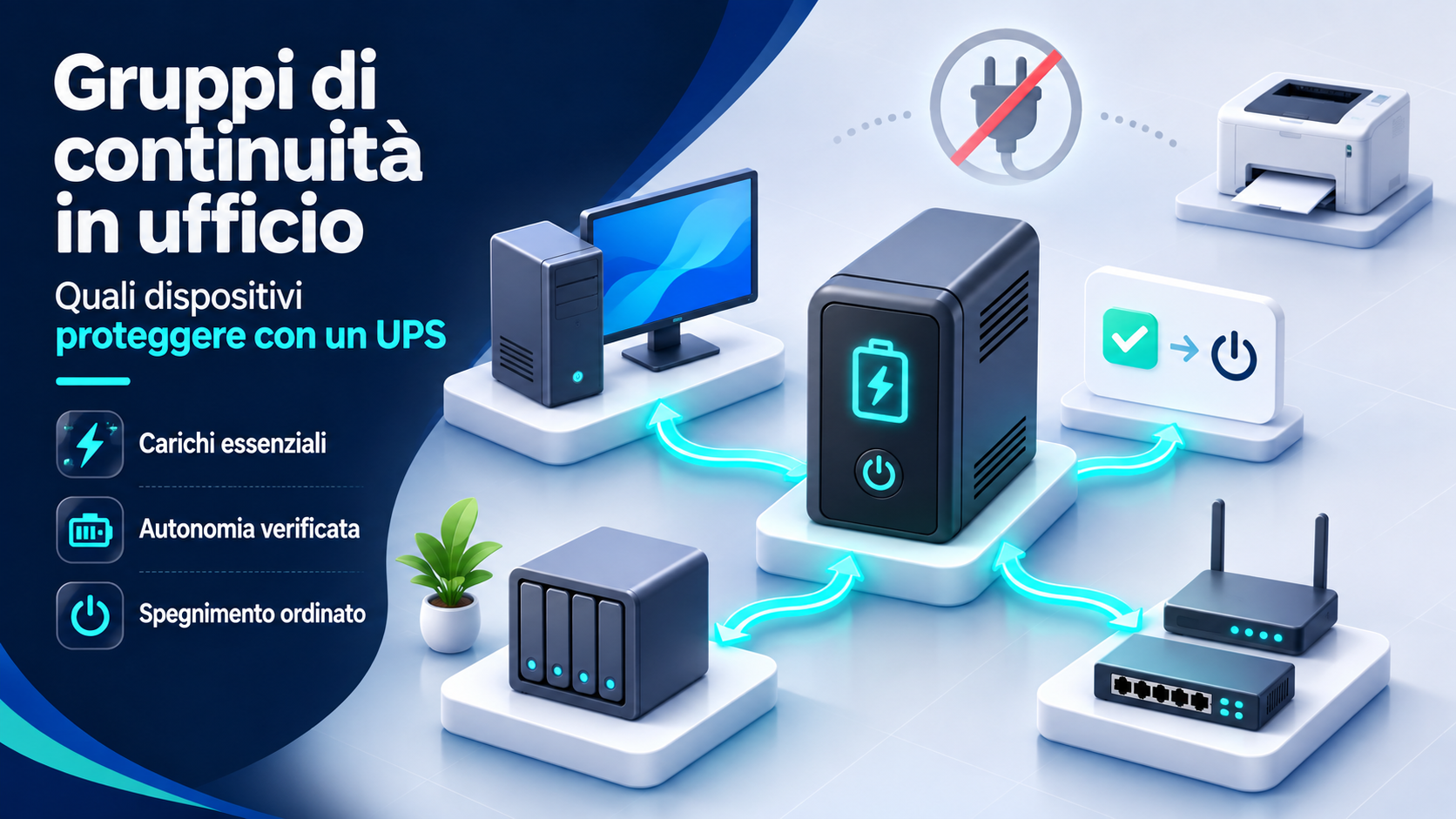
When the power goes out, a computer shutting down is only part of the problem. Access to shared files, network connectivity, phone calls and work in progress can all be interrupted. An uninterruptible power supply, or UPS, can provide power for a limited time and help manage the outage. The outcome depends on which devices are connected, the load and how the systems are configured.
In an office, protecting everything without setting priorities is rarely practical. Identify which activities need to continue for a while and which devices need an orderly shutdown. This guide offers a method for selecting essential loads and comparing UPS specifications without assuming a model will deliver a runtime that has yet to be verified in the actual setup.
What an uninterruptible power supply does
A UPS has an energy reserve and supplies power to connected loads according to its design and configuration. During an outage, it can temporarily keep designated equipment running. Protection against other power disturbances depends on the model’s specifications. Products labeled UPS can offer different levels of performance.
Schneider Electric’s explanation of how UPS systems work describes their role in supporting critical equipment during power problems. A UPS is neither an ordinary power strip nor an unlimited source of energy. The plan should define how to use the available time, whether to continue a limited activity, save work or initiate a controlled shutdown.
Define the operational objective first
A small practice may want to save open documents and shut down workstations. Another office may need to keep the network available to communicate and handle the emergency. Shared storage may require an automatic shutdown even when nobody is present. These objectives differ, and choosing the highest number on the box does not address them on its own.
For each activity, identify what can stop immediately, what must remain accessible and what shutdown sequence is needed. Involve both the people who use the services and those who administer them. Without a clear plan for using the available minutes, longer runtime may simply delay the same sudden shutdown. Let the workflow guide the choice of devices.
List devices and their dependencies
Make an inventory of potential loads, including computers, monitors, NAS devices, servers, routers, switches and any other necessary equipment. For each one, record its function, power specifications, location and the consequences of shutting it down. Note any dependencies too. A local application might require a server and a switch to be running at the same time.
Separate essential equipment from peripherals that are convenient but can wait. An external drive that receives data during shutdown may be important, while an extra monitor may be dispensable. This review helps allocate backup power to the functions that need it. It also helps prevent people from adding loads later without understanding why the UPS was sized for a particular group of devices.
Protect desktop workstations that need to save work
Temporary power can give a desktop PC time to close applications and complete operations, but the entire workstation needs to be considered. If the objective requires user intervention, the equipment needed to view and control the system must also stay available. One essential monitor can therefore be more valuable than additional peripherals.
Power draw can vary from desk to desk. An administrative workstation and a machine used for intensive processing may have different load profiles. Consider the load during the intended activities and any dependencies on shared services. Evaluate protection for the workstation as a whole, including everything needed for it to function.
Assess laptops together with their peripherals
A laptop normally has an internal battery, but that alone cannot keep the entire workstation operational. An external monitor, network equipment and shared storage can lose power while the computer remains on. Check the condition of the laptop battery and what happens when the docking station loses power.
Using the UPS reserve to recharge every laptop may be a lower priority. In some settings, protecting the shared equipment that gives laptops access to services may be more useful. The choice depends on the work, the available batteries and how the office is organized. Testing the actual setup can reveal whether a seemingly self-sufficient workstation loses the very function it needs.
Prioritize shared storage and servers
NAS devices and servers may handle writes, processing tasks and services used by multiple people. A sudden outage can stop these activities at the wrong moment. The UPS plan should therefore provide for an orderly shutdown before the battery runs out.
Check compatibility among the UPS, operating system and communication tools. Procedures vary by model and platform. The storage administrator should decide when to stop services and how to protect operations still in progress. Consider the equipment needed to receive status signals and complete the sequence. The plan should cover the entire shutdown path, including the device that holds the data.
Include the network equipment the service depends on
Protecting the router alone is insufficient if the connection depends on a separate optical network terminal or a switch that loses power. Trace the internal network from the point where the connection enters to the devices that must remain operational. Include the necessary equipment and base the selection on its function, even when other network devices are in the same cabinet.
Keeping local equipment running does not guarantee that the connectivity provider will remain operational during an external outage. A UPS can support what the business controls, while other dependencies can still affect service. Define which communications are realistically possible and whether a fallback procedure is needed. Verify continuity by checking that users can access the service.
Consider phones and devices powered through PoE
A phone or access point may receive power through a PoE switch. The load assessment must account for both the switch itself and the power it delivers to connected devices. Adding phones, access points or other equipment can change the group’s load profile.
List the services that need to remain active and check the load in the planned configuration. For phone service, consider the other local or external components it needs to function. Keeping one handset powered leaves the availability of calls dependent on the rest of the system. The technical lead should check the full path and revisit UPS sizing when equipment changes.
Exclude loads that are unsuitable for the setup
Laser printers, heating appliances and other equipment with high power draw should not be added by default to a UPS intended for office electronics. APC’s guidance on laser printers highlights their high power draw and advises against using them with the specified Back-UPS product lines. Special applications require a choice tailored to the load.
In a typical office, consider whether printing during an outage is necessary. Saving data and maintaining communications are often the priorities. Reserve spare outlets for equipment on the approved list. If there is a special requirement, have the person responsible for power assess it using manufacturer data and criteria appropriate to the equipment.
Distinguish watts from volt-amperes
UPS specifications often list watts and volt-amperes, abbreviated W and VA. They describe different quantities, and the load must stay within the applicable limits for both. Check the technical data sheet for these limits, since the model number alone is insufficient.
Schneider Electric’s UPS buying guide distinguishes the two ratings and calls for headroom above the load. When evaluating a purchase, compare both ratings with measured and documented requirements. Avoid conversions based on a single assumed factor for all devices. The technical assessment should also account for possible peaks.
Gather reliable power draw data
A computer power supply’s rated output does not necessarily reflect actual consumption during work. Similarly, an idle measurement alone may miss the most demanding conditions. Collect data that reflects the activities and characteristics of the loads, using appropriate tools and methods.
Use manufacturer specifications and the technician’s assessment to characterize the planned group of devices. Where necessary, have power draw measured under representative conditions, including startup and intensive operations. Record the source and date of the figures. This makes it easier to see when a future change, such as a different workstation or more PoE devices, calls for a fresh assessment of UPS sizing.
Read runtime in relation to the load
Whether a UPS can power a given load and how long it can sustain it are separate questions. The VA rating alone cannot tell you how many minutes are available. Compare the model’s runtime curves or guidance with the actual planned load and the conditions specified by the manufacturer.
A promotional example may use a different load from yours. Ask what runtime is estimated for the chosen equipment and how much headroom is needed to complete shutdown. The assessment should also account for battery condition and recharging after an outage. Allow enough margin for the procedure to finish before the theoretical reserve is exhausted.
Understand the main UPS technologies
Common UPS designs include standby, line-interactive and double-conversion online systems. They differ in how power flows and how they handle disturbances. Eaton’s guide to UPS types explains these designs. The UPS label alone does not indicate how transfer will occur or which power conditions the unit can handle.
Base the choice on load sensitivity, power quality and the operational objective. A more complex model may offer little benefit at some desks, while a basic unit may be unsuitable for critical infrastructure. Compare noise, heat dissipation, management and support as well. Ask the supplier to explain how the proposed model suits the equipment it will protect.
Check waveform and compatibility
The characteristics of the output while a UPS is running on battery can affect compatibility with connected power supplies. Some models produce a sine wave, while others produce an approximation. Eaton’s documentation on UPS topologies also discusses this aspect for IT loads with power factor correction.
A power supply designation or the age of a PC is insufficient to establish a universal rule. Check manufacturer guidance and the compatibility of the actual combination. If a device restarts when the UPS switches to battery power, a higher VA rating may leave the problem unresolved. Diagnose the issue by considering the load, battery, transfer time and electrical characteristics specified for the system.
Check which outlets provide battery backup
Some UPS models have outlets with different functions. Some outlets may provide battery backup, while others offer surge protection only. Schneider Electric’s documentation on Back-UPS outlets explains that equipment connected to a surge-only outlet loses power when the mains supply fails.
Read the model’s labels and manual, and have the planned connections checked. Record which loads use the protected outlets and make their function clear to people working in the area. Check outlet functions as well as the number available. Neat, documented cabling reduces the chance that essential equipment will be moved to an outlet with a different function during cleaning or rearrangement.
Configure communication and orderly shutdown
A power connection alone cannot tell the operating system when to start shutting down. If automatic shutdown is part of the objective, check which communication channel is supported, such as USB or a network connection, and what software or service is required. The configuration must be compatible with every system that needs the notification.
For example, Synology DSM’s UPS guide describes a mode that stops services and unmounts volumes before power is lost. Procedures vary among NAS systems. Consult the documentation for the actual platform and define timing, dependencies and behavior when power returns. Testing must show that the signals arrive and the systems respond as intended.
Plan for power restoration as well
An outage can be followed by an unstable restoration or by another outage before the battery is fully recharged. Decide how and when loads should restart to avoid an uncontrolled restart of all equipment. Available options vary by UPS and by connected device. Check the documentation and the effect of the chosen configuration.
Consider the order in which services come back. An application may need the network and storage to be available first, while a device may stay off until someone intervenes. Document what should happen and who checks the result. Continuity includes both a successful shutdown and a clear process for restoring operations, with checks on what each machine actually restores.
Choose a suitable location and installation
Place the UPS according to the manufacturer’s instructions, with suitable environmental conditions and ventilation. Avoid putting it inside a closed cabinet merely to free up space. Consider maintenance access, weight, space requirements, noise and whether alerts can be read without moving equipment that is running.
Follow the manual for outlets, cables, protective devices and power distribution, and involve someone qualified to assess the electrical installation. Avoid improvising with daisy-chained power strips or connections between UPS units. Resolve any uncertainties about circuit capacity or connection compatibility before use. The installation should support the backup power plan without introducing issues that undermine its benefits.
Treat the battery as a component that wears out
A battery’s initial performance declines over time. Temperature, operating conditions, discharge cycles and battery technology affect its behavior. APC’s guidance on VRLA batteries describes the effects of the environment and discharges. Apply that guidance to the battery technology it covers.
Record the installation date, any replacement and any alerts. Follow the model’s maintenance intervals and procedures so issues can be addressed before an outage exposes a failure. Check which tasks users can perform and which require service. A readily available replacement battery, a clear procedure and a designated contact reduce the chance that a UPS stays in service for months with an ignored alert.
Arrange tests that protect work in progress
Test power delivery, communication, shutdown and restart using methods specified by the manufacturers and at an agreed time. Avoid creating an unplanned interruption that affects live data. Before the test, establish which systems can be involved, how work will be protected and who will check the outcome.
APC’s self-test guidance shows that test methods and conditions also depend on the product. A self-test may fall short of measuring full runtime for every load. Document what was verified and what remains an estimate. Repeat the relevant checks when the battery, loads, management software or configuration change.
Keep UPS protection and data backups separate
A UPS can help manage a power problem, but it does not create a copy of documents. It cannot automatically recover a deleted file, replace a recovery plan or eliminate every cause of data loss. Electrical protection and recoverable copies serve different purposes.
Check that the shutdown procedure accounts for any backup jobs in progress. After restarting, verify that scheduled jobs and services are operational again. Coordinate the measures so business continuity does not depend entirely on one device. A clear plan covers both how to shut down and how to restore data and operations when something goes wrong.
Evaluate local or centralized protection
Several UPS units placed near the devices can support separate groups of loads, while a shared solution can simplify some aspects of management. The choice depends on load locations, the electrical installation, maintenance, dependencies and the consequences of a shared component failing. Consider the setup as a whole.
Ask for a proposal that clearly identifies covered equipment, exclusions and support arrangements. Consider expected changes too. Review the setup before adding new workstations or expanding the network. For a small business, a simple, documented solution may be easier to manage than a collection of different UPS units bought at different times with nobody responsible for all of them.
A checklist before putting the system into service
Before relying on the UPS, verify that:
- Essential devices and their dependencies have been identified.
- The load, W and VA limits, and expected runtime have been assessed.
- Outlet selection, compatibility and installation follow the manuals.
- Communication and automatic shutdown work where needed.
- Restart procedures, alerts and responsibilities are defined.
- An up-to-date log covers the battery, testing and maintenance.
Keep the load list with the system documentation and review it after changes. Include the people who use the services in testing alongside those who install the UPS, so the available time supports a procedure people know how to follow.
Frequently asked questions
Can I connect every device in the office?
No. First assess the load and compatibility. Select the equipment needed for the objective and check the model’s limits. Unplanned loads can reduce runtime or make the UPS unsuitable for its assigned task.
Does a higher VA rating mean more minutes of runtime?
The VA rating alone cannot tell you. Runtime depends on the model, the available reserve, the load and battery condition. Consult the manufacturer’s data for the planned load and verify that the available time is sufficient for the shutdown or continuity procedure.
If I protect the router, will the internet definitely keep working?
No. Consider all necessary local equipment and the availability of the external service. A powered router cannot guarantee that the access terminal, switches or provider infrastructure will stay operational. Assess the full connection path.
Should the UPS keep the NAS running until the battery runs out?
It depends on the objective. If the goal is to protect operations in progress and stop services, an orderly shutdown may be needed before backup power runs out. Define settings and timing based on system compatibility and documentation, then verify them in a planned test.
Conclusion: protect the function behind the outlet
Choosing which devices to connect to a UPS means deciding how the office should respond when the power goes out. Consider workstations, storage and the network together with their dependencies. Power capacity and runtime matter when they support a specific objective and a tested sequence of actions.
Start with the inventory, exclude unsuitable loads, check compatibility and configure shutdown to use the available reserve effectively. Maintenance and testing keep the plan viable over time. Aim for a predictable response to outages, with clear responsibilities and expectations based on what the setup can deliver.
Would you like to explore this topic for your business? Azienda Digitale can help you assess the right solutions and put them into practice. Azienda Digitale